

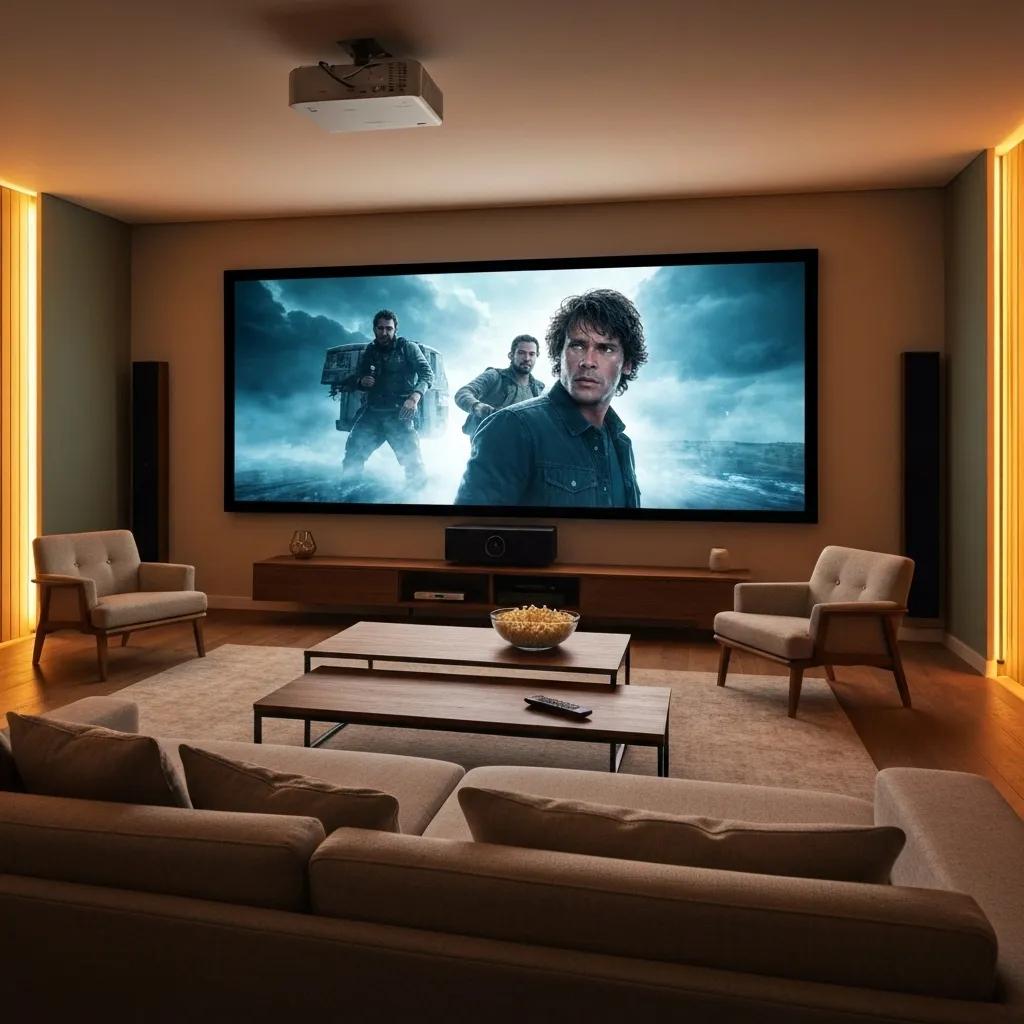
Your Guide to Picking the Perfect Home Theater Projector
Ready to transform movie nights into something truly spectacular? Picking the right projector is key to achieving that stunning, crystal-clear picture with vibrant colors. But let’s be honest, wading through specs like resolution, brightness (lumens), contrast, throw ratio, and light-source tech can feel like a maze. This guide is your roadmap. We’ll walk you through the must-know factors, explore different projector types, help you choose the ideal screen, match the projector to how you’ll use it, and show you why letting TV Installation home theater housten handle the setup guarantees a flawless system. Plus, we’ve got answers to your burning questions and tips to keep your investment in top shape.
What Really Matters When You’re Choosing a Home Theater Projector?
Getting the perfect projector means finding that sweet spot between sharp images, brilliant brightness, deep contrast, flexible placement, and a reliable light source that fits your room like a glove. Nail these core elements, and you’re on your way to an incredibly immersive picture that lasts.
How Does Resolution Actually Affect What You See?
Resolution is all about the pixels – the more there are, the sharper and more detailed your picture will be. Opting for a native 4K UHD projector means you’re getting four times the detail of a 1080p, so text, faces, and on-screen action look incredibly crisp and lifelike.
Here’s a quick look at common resolutions:
These resolution levels help you zero in on the detail your home theater deserves, setting the stage for truly captivating visuals.
Why is Brightness (Lumens) So Important for Different Room Lights?
Brightness, measured in ANSI lumens, tells you how well your projector’s image can cut through ambient light. More lumens mean a punchier image in brighter rooms or spaces that aren’t completely dark. Less is fine for a dedicated, light-controlled theater.
- Under 1,500 ANSI Lumens – Best for rooms you can make totally dark.
- 1,500–3,000 ANSI Lumens – Great for rooms with some controlled light.
- Over 3,000 ANSI Lumens – You’ll need this for bright living rooms or even outdoor movie nights.
Matching the lumens to your space ensures your picture stays vibrant, no matter the lighting situation.
Making things clearer in classrooms: Finding the right projection brightness for different indoor light levels – PMC – PubMed Central
This study looked into how much brightness (lumens) is needed for clear viewing in classrooms with varying amounts of natural light. They found that you need more projector brightness as the room gets brighter to keep things legible. For consistent clarity, around 944 ANSI lumens was ideal, even with different ambient light levels.
How Does Contrast Ratio Make a Difference in Picture Quality?

Contrast ratio is the difference between the projector’s deepest blacks and brightest whites. A higher ratio, like 50,000:1 or more, means you get more depth and realism, with shadows looking distinct and colors popping.
Great contrast means you can see all the subtle details in dark scenes and enjoy bright, clear highlights, making the whole viewing experience more engaging.
How Do Throw Ratios Affect Where You Put Your Projector and How Big the Picture Is?
The throw ratio tells you the relationship between how far the projector is from the screen and how wide the image will be. Knowing this helps you figure out the perfect spot to get the screen size you want without any weird distortion.
Choosing the right throw ratio means your projector placement will perfectly match your room’s layout, giving you a perfectly sized image without sacrificing convenience.
Laser, Lamp, or LED: Which Light Source is Right for You?
Your light source affects how long the projector lasts, how consistent the colors are, and how much upkeep it needs. Laser projectors give you instant brightness and stable colors for up to 20,000 hours. Lamp-based ones are cheaper upfront but might need a new bulb every 3,000–5,000 hours. LED projectors last a long time (10,000–15,000 hours) and are energy-efficient, but often have lower peak brightness.
- Laser: Bright, lasts ages, minimal fuss, higher price tag.
- Lamp: Cheaper to buy, but you’ll need replacement bulbs eventually.
- LED: Saves energy, runs quietly, good brightness.
Think about your budget and how often you’ll use it to decide which light source makes the most sense.
What Kinds of Projectors Are Out There, and Which One Belongs in Your Home Theater?
Projector tech like DLP, LCD, and LCoS, combined with different light sources, all create unique viewing experiences. Let’s break down how they work and what makes each one special so you can find the perfect fit for your entertainment space.
DLP, LCD, and LCoS Projectors: What Are the Upsides and Downsides?
The way a projector creates an image impacts its sharpness, color accuracy, and any potential visual quirks.
Comparing LCOS and DLP projectors for creating digital patterns – ResearchGate
Beiwen Li, John Gibson, Jill Middendorf. ResearchGate, 2025.
This research dives into Digital Light Processing (DLP) versus Liquid Crystal on Silicon (LCoS) tech. They found LCoS often wins for sharp, detailed patterns because of less distortion, while DLP can offer better contrast for softer images.
How Do LED and Laser Projectors Compare in Performance and Lifespan?
Both LED and laser light sources offer long runtimes and consistent color. However, laser projectors generally pack more brightness (lumens), while LEDs are champions of energy efficiency and quiet operation. Laser models tend to maintain their brightness for more hours, making them a top choice for heavy users.
When Does a Short Throw or Ultra Short Throw Projector Make the Most Sense?
Short throw projectors let you get a big picture from a short distance, which is fantastic for smaller rooms or when you can’t mount a projector on the ceiling. Ultra short throw models can sit just inches from the screen and still project a huge image (100 inches or more!), cutting down on glare and making cable management a breeze.
Laser Projector vs. Lamp Projector: How Do You Choose?
Deciding between laser and lamp projectors comes down to weighing the upfront cost against long-term expenses and maintenance. Laser projectors cost more initially but save you the hassle and expense of bulb replacements for years. Lamp projectors are cheaper to buy but will require ongoing costs for new bulbs.
Over its lifespan, a laser projector often proves more cost-effective due to savings on replacement parts and less downtime.
How to Pick the Best Projector Screen for Your Home Theater Setup?
What’s So Great About Ambient Light Rejecting (ALR) Screens?
ALR screens have a special surface that bounces the projector’s light directly back at you while absorbing or scattering room light. This means your picture stays sharp and vibrant, even if you have windows or lights on. They’re a must-have for living rooms or any space where you can’t completely control the light.
What Are Your Screen Options: Fixed, Motorized, and Portable?
Fixed-frame screens are mounted permanently, ensuring a perfectly flat and taut surface. Motorized screens retract discreetly into a ceiling or wall housing. Portable screens (pull-up or tripod) offer flexibility for on-the-go use. Your choice depends on whether you want a permanent setup or need portability.
How Do Screen Size and Gain Affect Your Viewing Experience?
Screen size dictates how immersive the picture feels and where you can sit. Gain refers to how reflective the screen is. A gain of 1.0 is neutral. Higher gain makes the image brighter but narrows your viewing angles. Lower gain widens the viewing angles but reduces brightness.
- Screen Size – Pick based on your projector’s throw ratio and how far your seats are (first row should be about 1.5 times the screen width away).
- Gain Values – Gains between 0.8 and 1.2 work for most home theaters. Higher gains are good for rooms with some ambient light.
Getting the right balance of size and gain ensures everyone gets a bright, clear picture, no matter where they’re sitting.
How Do You Match Your Projector’s Throw Ratio to the Screen Size?
To figure out the right distance, multiply your desired screen width by the projector’s throw ratio. For a 100-inch wide image (about 88 inches wide) with a projector that has a 1.2:1 throw ratio, you’ll want to place the projector about 105 inches away from the screen (88 inches x 1.2). This precision ensures the image fills the screen perfectly without needing adjustments like keystone correction.
How Does What You’ll Use It For Influence Your Projector Choice?
What Projector Features Make a Dedicated Home Theater Truly Immersive?
For a room dedicated solely to movies, focus on 4K resolution, super-high contrast ratios (think 100,000:1 or more), support for wide color gamuts (like Rec.709 or DCI-P3), and features like THX calibration. These elements deliver true cinematic quality and spot-on color accuracy.
How to Choose a Projector for Living Rooms and Multi-Purpose Spaces?
In rooms that serve multiple purposes, you need a projector that balances brightness (around 2,500–3,000 lumens) with ALR screen compatibility and quiet operation. A short-throw laser projector is great for minimizing glare and hiding cables, and features like adjustable lens shift make placement easier.
What Makes a Projector Great for Gaming: Low Input Lag and Refresh Rates?
If gaming is your priority, look for projectors with input lag under 20 ms and support for 120 Hz or higher refresh rates. These specs are crucial for smooth, responsive gameplay, especially in fast-paced titles.
Which Projectors Are Best for Outdoor Entertainment?
Projectors for outdoor use need to be bright (3,000–5,000 lumens) to combat daylight and should have durable, weather-resistant designs. Battery-powered laser models offer portable brightness without needing to be near a power outlet.
Why Is Getting Your Projector Professionally Installed So Important in home theater houston?
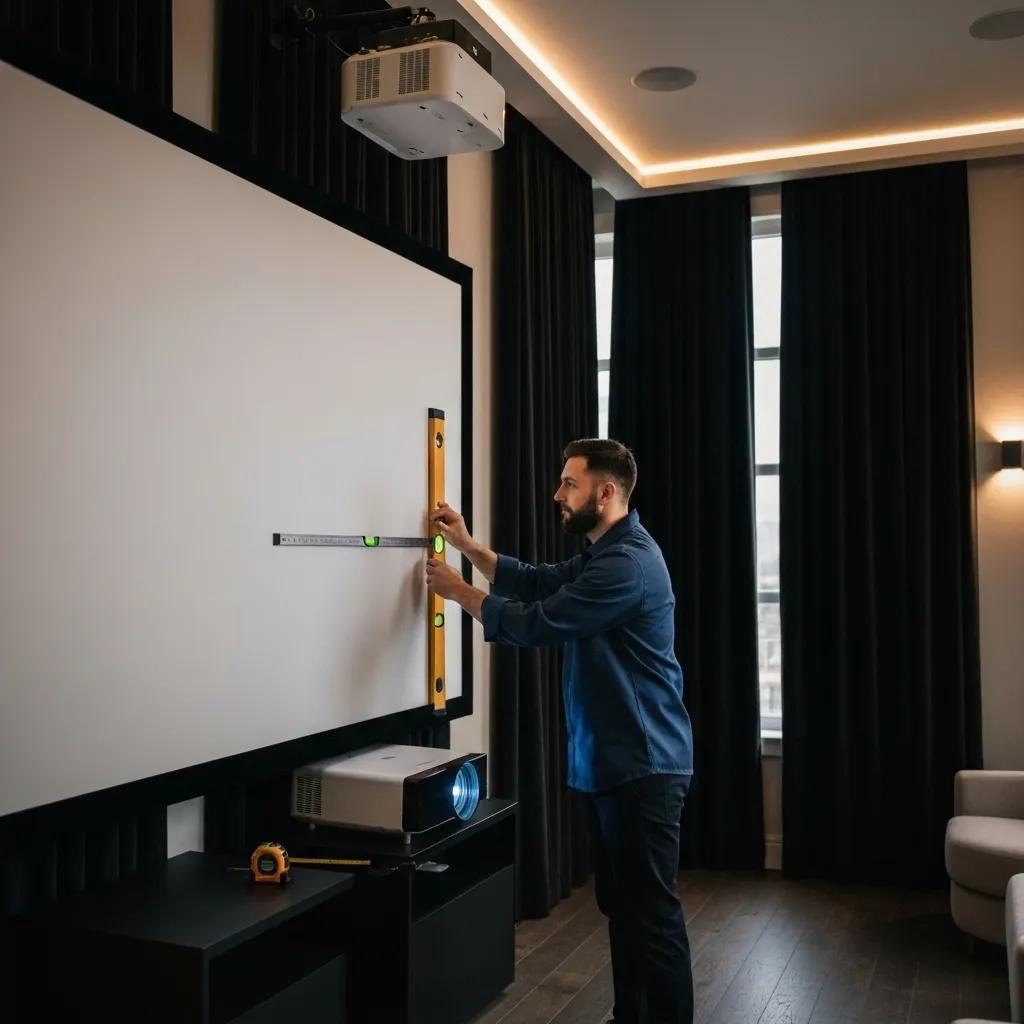
What Are the Perks of Professional Mounting, Wiring, and Calibration?
Expert mounting ensures your projector is perfectly positioned for the best image. Hiding wires keeps your space looking clean and professional. And precise calibration fine-tunes the colors and geometry, unlocking the projector’s full potential for sharpness and dynamic range.
How Does Local Knowledge Enhance Your Home Theater Setup?
Local installers understand the unique architecture, room sizes, and lighting conditions common in Home theater houston. This allows them to create custom solutions that perfectly fit your home’s specific layout and challenges.
What Should You Expect from a Top-Notch Projector Installation Service?
A reliable installer will start with a thorough assessment of your space, offer clear equipment suggestions, provide a transparent quote, perform a neat installation of all components, set up your network, and give you a full demonstration of your new system.
How Can You Get Your Room Ready for the Best Projector Installation?
Make sure the projector’s path is clear, decide where your seating will go, manage any light coming in through windows, and ensure easy access to power and HDMI connections. These steps make the installation process smoother and help achieve the best possible performance.
Got Questions About Picking a Projector? We’ve Got Answers!
What Are the Must-Haves When Buying a Projector?
When you’re shopping for a projector, keep these key features in mind:
- Resolution – Aim for native 1080p at a minimum, or 4K UHD for larger screens.
- Brightness (Lumens) – Match the ANSI lumens to how much light is in your room.
- Contrast Ratio – Higher numbers mean deeper blacks and more image depth.
- Throw Ratio – This dictates how far away the projector needs to be.
- Light Source – Laser, lamp, or LED impacts lifespan and maintenance.
Understanding these points will help you choose a projector that’s perfect for your space and how you like to watch.
What’s a Good Throw Ratio for Different Room Sizes?
For smaller rooms (under 12 feet deep), an ultra-short or short throw ratio (0.3:1–0.6:1) is ideal. For larger, dedicated theaters (12–20 feet deep), standard ratios between 1.2:1 and 2.0:1 usually work best.
Is a 4K Projector Really Better Than 1080p for Home Theater?
Yes, a 4K projector offers four times the pixel density of 1080p, resulting in noticeably sharper text and finer details on large screens. This is especially beneficial if you sit closer to the screen or have a screen larger than 100 inches.
What’s the Difference Between Lumens and Contrast Ratio?
Lumens measure how bright the projector’s light output is, affecting how well the image shows up in ambient light. Contrast ratio measures the difference between the brightest white and the darkest black, which impacts the image’s depth and how distinct colors appear.
Are Laser Projectors Worth the Extra Cost?
Laser projectors are a worthwhile investment because they maintain consistent brightness for 15,000–20,000 hours, offer superior color stability, require minimal maintenance, and turn on/off instantly. This often leads to a lower total cost of ownership over time.
What Is an Ambient Light Rejecting Screen, and Do I Need One?
An Ambient Light Rejecting (ALR) screen uses special coatings to bounce projector light directly to the viewer while diffusing surrounding room light. If your home theater space has windows or overhead lighting that you can’t completely control, an ALR screen is essential for maintaining picture contrast and color quality.
Keeping Your Home Theater Projector in Top Shape
What Are the Best Ways to Calibrate and Maintain Your Projector?
- Clean or replace air filters every 500–1,000 hours of use.
- Use the projector’s built-in tools to calibrate color and geometry regularly.
- Keep vents clear of dust and obstructions.
- Install firmware updates to ensure optimal performance.
Following these steps will help ensure your picture stays great and your equipment lasts longer.
How Do You Fix Common Projector Problems?
- No Picture – Double-check your HDMI cables and source device settings.
- Dim Image – Check how many hours are on the lamp and if the filters need cleaning.
- Distorted Image – Adjust the keystone, zoom, and lens shift settings.
- Overheating – Make sure the projector has enough airflow and clean the intake vents.
When Should You Think About Upgrading Your Projector or Screen?
It might be time for an upgrade if your projector:
- Is nearing the end of its lamp or laser life.
- Doesn’t support modern features like HDR or wide color gamuts.
- Is showing a noticeable drop in brightness or color accuracy.
Likewise, replace screens that are sagging, wrinkled, or damaged to ensure the best possible image quality.
Investing in the right projector and screen, perfectly suited to your space and needs, and then having it professionally installed by TV Installation home theater houston, guarantees a home theater experience that you’ll enjoy for years to come.
Ready to enjoy Projector?
Experience the power and reliability of Audio Installation for your home or business. Contact Home Theater Houston today for expert installation and support in Houston, TX!
📞 Call us at (281) 786-4222
🌐 Visit us at hometheaterhouston.com
