

Home Theater Projector Calibration Guide for Houston Homeowners
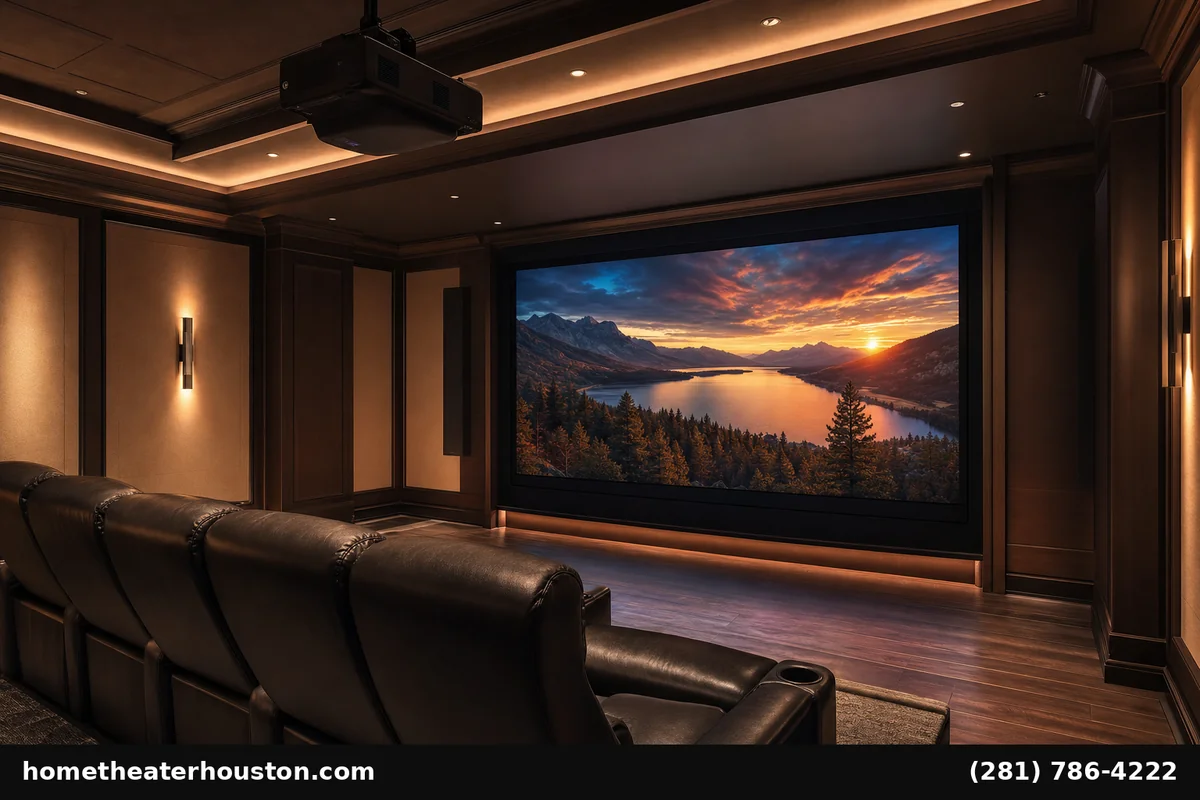
Getting the perfect picture from your home theater projector in Houston requires proper calibration. Whether you’re in the Galleria, Memorial, or Bellaire, achieving optimal brightness, contrast, and color accuracy transforms your viewing experience from good to exceptional. This comprehensive home theater projector calibration Houston guide walks you through professional-grade techniques to maximize your investment.
Why Proper Home Theater Projector Calibration Houston Matters
Houston’s unique lighting conditions and climate create specific challenges for projector performance. Ambient light from large windows common in Memorial and West U homes, combined with our warm, humid climate, affects how colors appear on screen.
Proper calibration ensures:
– Accurate color reproduction that matches film director’s intent
– Optimal brightness levels for Houston’s varied lighting conditions
– Enhanced contrast that brings out detail in dark scenes
– Extended projector lifespan through proper settings
– Professional cinema experience rivaling commercial theaters
Without calibration, even premium projectors deliver subpar performance. Colors appear washed out, dark scenes lose detail, and bright scenes become oversaturated. For Houston homeowners investing in quality complete home theater installation, calibration is essential.
Essential Tools and Equipment for Projector Calibration
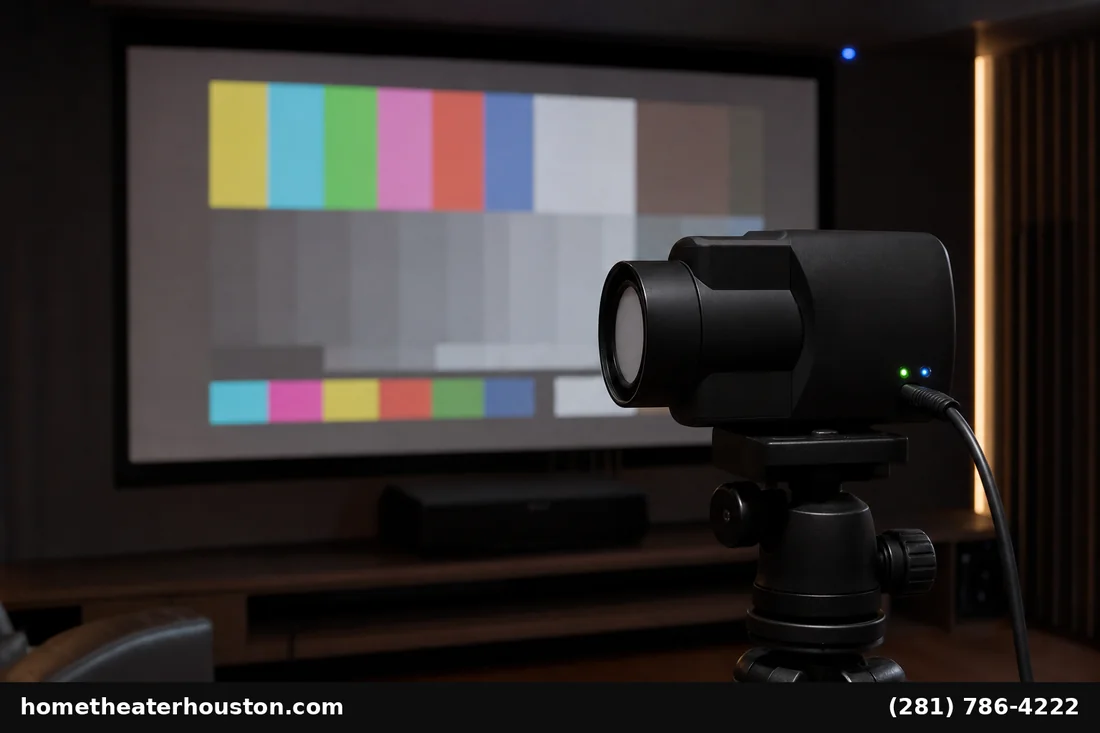
Professional projector calibration requires specific tools, though Houston homeowners can start with basic equipment:
Basic Calibration Tools:
– Colorimeter or spectrophotometer ($200-$2,000)
– Test pattern disc (THX Optimizer or Disney WOW)
– Calibration software (CalMAN, ChromaPure, or SpectraCal)
– Light meter for ambient light measurement
– Blue filter for grayscale adjustments
Advanced Professional Equipment:
– Reference monitor for comparison standards
– Pattern generator for precise test signals
– Environmental controls (lighting, temperature monitoring)
Most Galleria and Memorial area homeowners prefer our projector products and services that includes professional calibration services starting at $149, ensuring optimal results without equipment investment.
Step-by-Step Projector Calibration Process
Follow this systematic approach used by Houston professionals:
Phase 1: Environment Setup
1. Control ambient light – Close blinds, dim lights to theater levels
2. Set viewing distance – Typically 1.5-2.5x screen width for optimal experience
3. Allow warm-up – Run projector 30+ minutes before calibration
4. Clean lens – Remove dust affecting image clarity
Phase 2: Basic Picture Settings
1. Select Cinema/Movie mode – Starting point for accurate colors
2. Adjust zoom and focus – Ensure sharp, properly sized image
3. Set aspect ratio – Match content format (16:9, 2.35:1)
4. Disable motion processing – Reduces soap opera effect
Phase 3: Advanced Calibration
1. Grayscale calibration – White balance across brightness range
2. Gamma correction – Proper shadow/highlight gradation
3. Color gamut mapping – Accurate primary/secondary colors
4. Dynamic range optimization – HDR settings for compatible content
Houston’s professional installation teams complete full home theater projector calibration Houston in 2-3 hours, delivering reference-quality results.
Brightness and Contrast Settings for Houston’s Lighting Conditions
Houston homes present unique challenges requiring specific brightness considerations:
Living Room Integration (Common in Galleria Condos):
– Brightness: 1,500-2,500 lumens minimum
– Contrast ratio: 10,000:1 or higher
– Screen gain: 1.0-1.3 for ambient light rejection
Dedicated Theater Rooms (Memorial/Bellaire Homes):
– Brightness: 1,000-1,800 lumens optimal
– Contrast ratio: 15,000:1+ for deep blacks
– Screen gain: 0.9-1.0 for color accuracy
Brightness Calibration Steps:
1. Display 100% white pattern
2. Adjust lamp power to comfortable viewing level
3. Set contrast for maximum white without clipping
4. Verify shadow detail in 5% gray patterns
5. Test with actual movie content
Professional home theater projector calibration Houston accounts for year-round sunlight patterns and typical room configurations found in local homes.
Color Temperature and Color Space Calibration
Accurate colors require precise temperature and gamut settings:
Color Temperature Standards:
– 6500K (D65) – Industry standard for film content
– 5500K – Alternative for warmer viewing preference
– 9300K – Avoid unless matching specific display requirements
Color Space Configuration:
– Rec. 709 – Standard HD content (most streaming, Blu-ray)
– DCI-P3 – Digital cinema standard for premium content
– Rec. 2020 – Ultra HD/HDR content color space
Calibration Workflow:
1. Measure native white point using colorimeter
2. Adjust RGB gains to achieve target temperature
3. Set color gamut boundaries for content type
4. Verify skin tones with reference patterns
5. Fine-tune saturation for natural appearance
Houston’s ambient lighting conditions may require slight temperature adjustments from reference standards for optimal viewing comfort.
Advanced Calibration Settings for Premium Houston Home Theaters
High-end installations in River Oaks and Memorial estates require sophisticated calibration:
HDR Optimization:
– HDR10/Dolby Vision mapping for premium content
– Peak brightness calibration for HDR highlights
– Tone mapping adjustment for projector capabilities
– Color volume optimization within projector limits
Motion and Processing:
– Frame interpolation – Usually disabled for film content
– Noise reduction – Minimal settings preserve detail
– Edge enhancement – Typically disabled for natural images
– Dynamic iris – Calibrated for consistent black levels
Advanced Color Management:
– Primary color points fine-tuned to reference standards
– Secondary color correction for accurate skin tones
– Gamma tracking optimized across brightness range
– Color checker validation using reference charts
These advanced home theater projector calibration Houston techniques require professional expertise and equipment, typically included in our premium calibration services.
Common Projector Calibration Mistakes to Avoid
Learning from common audio installation mistakes applies to projector setups too — proper signal, mounting, and grounding decisions matter just as much for video as for audio.
Houston homeowners frequently encounter these calibration errors:
Brightness Mistakes:
– Over-brightening for ambient light instead of proper light control
– Ignoring lamp aging – brightness decreases over time requiring adjustment
– Wrong eco modes – affecting color temperature and performance
Color Errors:
– Vivid/Dynamic modes – oversaturated, unnatural colors
– Ignoring content type – using same settings for different sources
– Skipping grayscale – poor foundation for color accuracy
Setup Issues:
– Poor viewing distance – too close or far for optimal experience
– Inadequate light control – compromising contrast performance
– Skipping break-in period – new projectors need seasoning time
Professional home theater projector calibration Houston eliminates these common mistakes, ensuring optimal performance from day one.
When to Call Professional Calibration Services in Houston
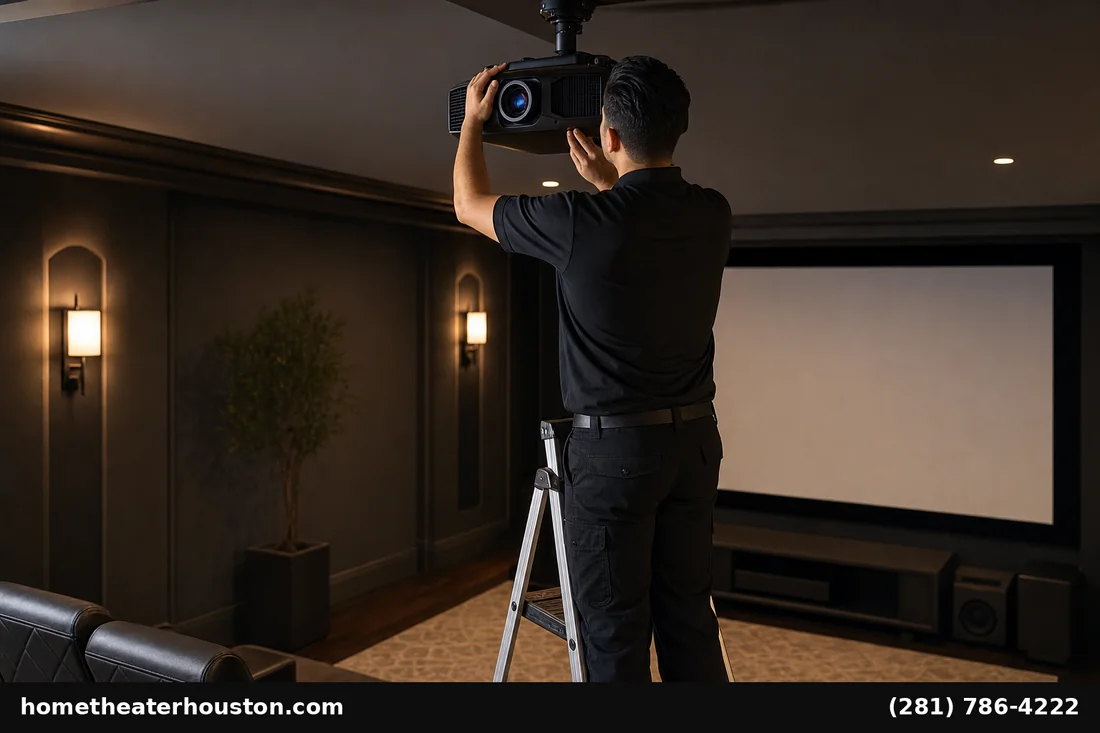
Consider professional services for these scenarios:
Recommended for Professionals:
– Premium projectors ($3,000+) deserving expert optimization
– Dedicated theater rooms requiring reference-quality results
– Complex installations with multiple sources and formats
– Commercial applications needing certified performance standards
DIY-Friendly Situations:
– Basic projectors under $1,500 with limited adjustment range
– Casual viewing not requiring reference accuracy
– Budget constraints making professional service cost-prohibitive
Houston’s professional calibration services typically cost $149-$349, delivering significant performance improvements. For choosing the right projector screen and selecting the best projector for your space investments, professional home theater projector calibration Houston maximizes your return.
Our professional projector and screen installation services includes expert calibration ensuring optimal performance from your investment.
Professional Services and Equipment Available in Houston
Home Theater Houston offers comprehensive calibration services:
Calibration Packages:
– Basic calibration – $149 (brightness, contrast, color temperature)
– Premium calibration – $249 (full ISF calibration with documentation)
– Reference calibration – $349 (complete color management with certification)
Equipment Integration:
Browse our selection of calibrated projectors and accessories at our Galleria showroom. Every projector purchase includes basic calibration service, ensuring optimal performance from installation day.
Ongoing Support:
– Annual recalibration recommended as lamps age
– Seasonal adjustments for changing ambient light conditions
– Firmware updates maintaining optimal performance standards
Frequently Asked Questions
Q: How often should I calibrate my home theater projector in Houston?
A: Professional recalibration every 12-18 months accounts for lamp aging and seasonal lighting changes common in Houston homes. More frequent adjustment may be needed in high-use installations.
Q: What’s the ideal brightness setting for projectors in Houston homes?
A: Houston’s abundant natural light requires 1,500-2,500 lumens for living room installations, while dedicated theaters perform optimally at 1,000-1,800 lumens with proper light control. Consider Epson’s projector selection guide for detailed specifications.
Q: Can I calibrate my projector myself or do I need professional help?
A: Basic adjustments are DIY-friendly using test patterns, but professional calibration with colorimeter equipment delivers measurably superior results, especially for premium installations.
Q: How much does professional projector calibration cost in Houston?
A: Our professional calibration services start at $149 for basic setup, with premium ISF-certified calibration available for $249-$349 depending on complexity and documentation requirements.
Q: What tools do I need to calibrate my home theater projector?
A: Basic calibration requires test patterns and visual adjustment, while professional results need colorimeter equipment ($200+), calibration software, and environmental controls for consistent results. JVC\’s home theater projectors provide industry-standard accuracy.
Q: How does Houston’s climate affect projector calibration?
A: Houston’s humidity and temperature variations can affect projector lamp performance and color accuracy. Professional calibration accounts for local environmental conditions and seasonal adjustments.
—
Ready to optimize your Houston home theater projector? Book professional calibration services starting at $149, or browse our complete selection of projectors and screens at our Galleria showroom. Call (281) 786-4222 Find us on Google Maps. or visit our Google Business Profile for same-week installation scheduling.
*Serving Houston, the Galleria, Memorial, Bellaire, West U, River Oaks, Heights, and Montrose with premium home theater solutions since 2010.*
