

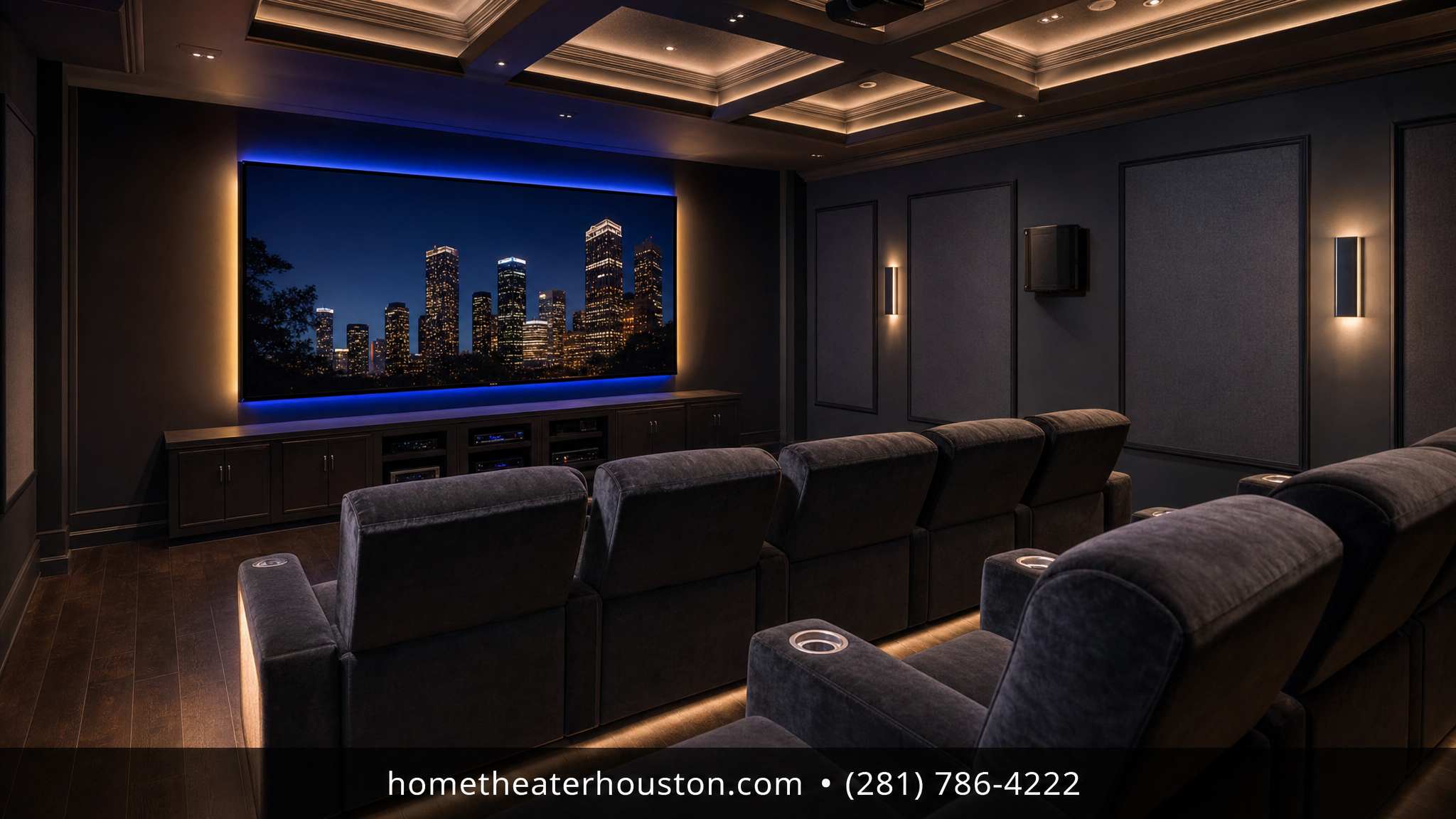
Houston homes — whether it’s a Memorial corridor townhouse, a West U bungalow with an added game room, or a Galleria-area high-rise with a flex space — almost always have one room that could be something better. That room is your future media room.
Designing a media room from scratch sounds complicated, but it follows a straightforward process. This guide walks you through every step, with specific pricing so you know what to budget before you call anyone.
Step 1: Choose the Right Room
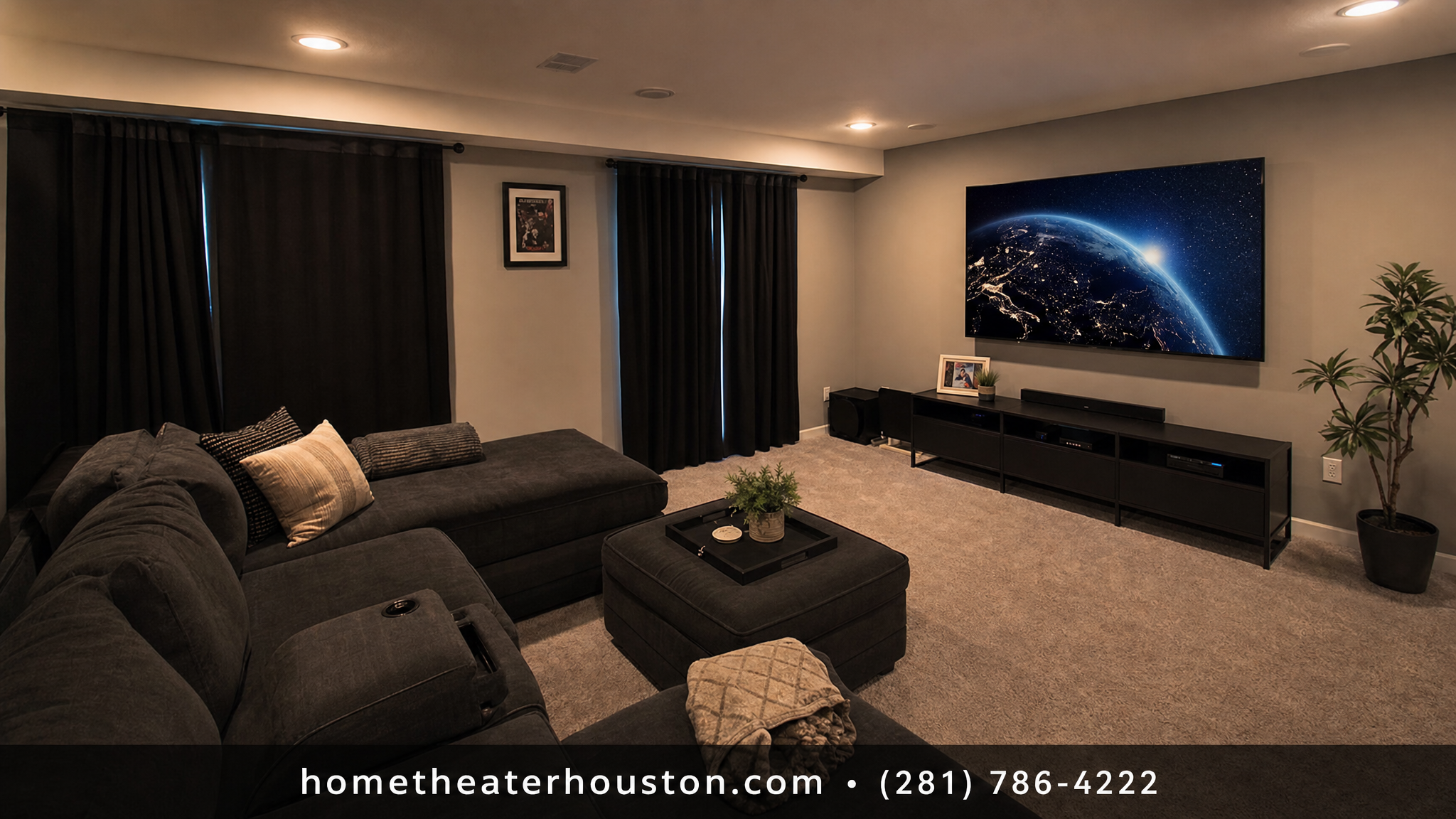
Not every room in your Houston home makes an equal media room. The best candidates are:
- Dedicated game rooms or flex spaces — already separated from living areas, easier to control light and sound
- Finished bonus rooms above garages — excellent acoustic separation from the main floor
- Study or home office conversions — popular in Inner Loop homes where square footage is intentional
Avoid rooms that share a wall directly with a bedroom if you plan to use the space late at night — bass from a subwoofer carries. And avoid rooms with floor-to-ceiling windows on the primary viewing wall; afternoon Houston sun creates glare that no display can fight.
Step 2: Plan Your Display
For a dedicated media room, you have two choices: a large flat-panel TV or a projector-and-screen setup.
Large TV (75″–100″+): Best for rooms under 400 square feet or rooms with some ambient light. No blackout required. A professionally mounted 85″ display in a Bellaire living room or Heights study starts at $99 for installation — that’s our on-wall TV installation service.
Projector + Screen: Best for rooms over 400 square feet that can go dark. Budget $249 for projector installation plus $149 for screen installation — see our projector installation and projector screen installation packages. You get a 100″–120″ image that no flat-panel can replicate at the same cost.
For most Houston homes in the $500K–$900K range (Memorial, West U, Bellaire), the 85″–100″ flat-panel option is the practical choice. It looks polished, works in mixed-light rooms, and costs significantly less to install and maintain.
Step 3: Design Your Audio System
This is where most media rooms either succeed or fall flat. A great display with mediocre audio is a disappointment. Here’s what to plan for based on room size:
Small room (under 200 sq ft): A 3.1 system — three speakers plus a subwoofer — delivers solid surround without overloading the space. Starting at $149 installed.
Medium room (200–400 sq ft): A 5.1 or 5.1.2 system gives you true surround sound with height channels for Dolby Atmos content. 5.1 starts at $299 installed, 5.1.2 starts at $349. This is the sweet spot for most Houston media rooms.
Large dedicated room (400+ sq ft): A 7.1.4 or 9.1.2 system turns your media room into a true home cinema. 7.1.4 starts at $649. Expect speaker placement planning, in-wall or ceiling speaker runs, and an AV receiver installation ($149) as part of the scope.
Speaker wire runs in a Houston home — especially in older Galleria-area or Heights construction with finished walls — require planning. Our team handles all cable routing clean and hidden.
Step 4: Plan Your Lighting
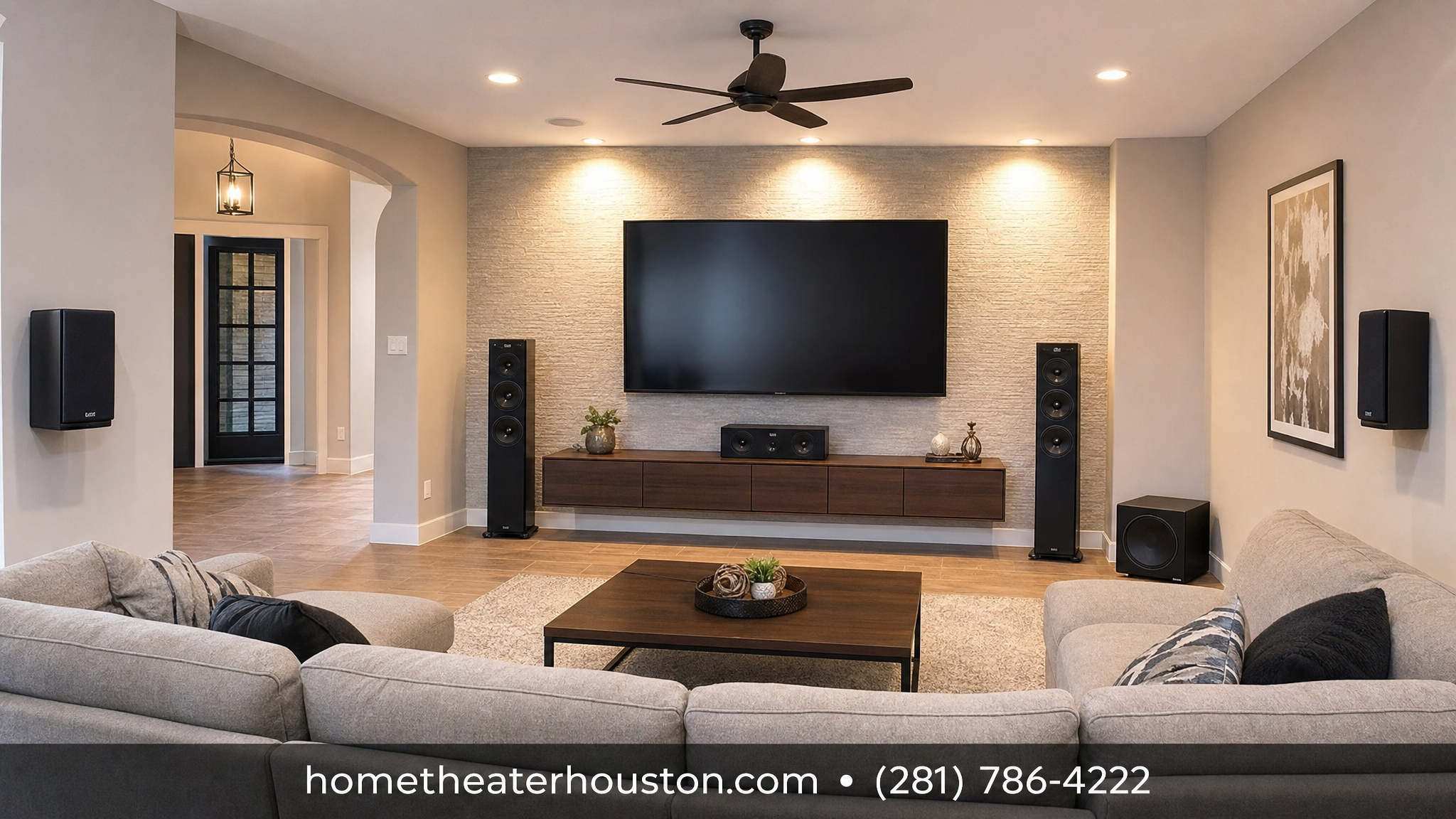
Media room lighting is a system, not an afterthought. The goal: deep contrast for viewing without leaving guests fumbling in the dark.
Layer your lighting:
- Ambient (bias) lighting — LED strips behind the display or along the ceiling perimeter, set to warm color temperatures. Reduces eye strain and adds cinematic atmosphere.
- Task lighting — dimmable sconces or recessed cans along the side walls for when you need to move around.
- Dimmable control — every light circuit in the media room should be on a dimmer. This is a detail to coordinate with your electrician before walls close, not after.
In Houston’s high-humidity climate, LED strip lighting is the reliable choice — fluorescent alternatives degrade faster in the heat and humidity.
Step 5: Handle the Cables Before You Finish Walls
If you’re building out a new media room in a Houston home, plan cable runs before drywall goes up. This includes:
- HDMI runs from the equipment rack to the display (in-wall HDMI eliminates exposed cables entirely)
- Speaker wire runs to each speaker location
- Ethernet drops for streaming devices and smart control hubs
- Conduit for future upgrades (a $50 investment now saves $500 later)
If walls are already finished, our team handles in-wall routing and cable concealment as part of every home theater installation — no exposed wire runs, ever.
Step 6: Control It Simply
The best media rooms are the ones your whole family actually uses. That means one remote, or better yet, one button.
Control options range from a universal remote that handles AV receiver, display, and streaming device together, to a full smart home integration that ties media room control into your existing Alexa, Google Home, or Savant setup. For most Houston homes, a mid-tier universal remote or a simple Alexa group solves 90% of daily use cases without adding complexity.
What Does a Media Room Cost in Houston?
Here’s a realistic budget range for a complete media room in a typical Houston home:
| Component | Typical Budget |
|---|---|
| Display (85″ + installation) | $99 install + TV cost |
| 5.1 surround sound system | $299–$549 installed |
| AV receiver | $149 installed |
| Cable management / in-wall runs | Included in packages |
| Full package estimate | $600–$1,000+ labor |
Book Your Media Room Install in Houston
We install home theater and media room systems across Houston — the Galleria, Memorial, West U, Bellaire, River Oaks, Heights, Montrose, and Midtown. Most projects are completed in a single day.
Book your media room installation →
Or call us: (281) 786-4222
Serving Houston and the Galleria area. Same-week and next-week installs available.
Frequently Asked Questions
How big does a room need to be for a media room in Houston?
There’s no hard minimum. Rooms as small as 150 square feet work well with a 65″–75″ display and a 3.1 audio system. Larger rooms (300+ sq ft) open up projector options and full surround configurations.
Do I need to blackout the room for a media room?
Only if you’re using a projector. For flat-panel TVs, standard window treatments with good ambient light control are fine. Houston afternoon sun is intense — blackout curtains on south and west-facing windows make a noticeable difference.
Can you install a media room in a Houston apartment or condo?
Yes. We work in Galleria-area condos and Inner Loop apartments regularly. We use mount types that don’t require studs and route cables without opening walls when needed.
How long does a media room installation take?
Most single-room projects — display mount, speaker installation, and cable management — are completed in one day. Larger systems with ceiling speakers and AV rack builds may take two days.
