


Written by Mario Sanchez — Certified AMX Designer & Programmer, Savant Programmer + Installer, Harman Pro Audio Designer (AKG, BSS, Crown, dbx, JBL Pro). Over a decade dialing in receivers across Houston, Memorial, the Galleria, Bellaire, and West U.
Proper AV receiver setup and calibration Houston homeowners trust is the single biggest performance lever in any home theater. The receiver is the brain of the system — yet most rooms we walk into in Memorial, the Galleria, and West U are running on the receiver’s out-of-box defaults, leaving 30–40% of the system’s potential locked behind menus most owners never touch. This guide walks through what changes during a professional AV receiver setup and calibration Houston visit, why it matters for the way Houston homes are actually built, and how to know when DIY tuning is enough versus when to call a pro.
What AV Receiver Setup and Calibration Houston Homes Actually Involves
Modern AV receivers from Denon, Marantz, and Yamaha are full-blown audio computers. They handle bitstream decoding for Dolby Atmos and DTS:X, room correction, HDMI 2.1 video routing, ARC/eARC return audio from the TV, network streaming, and zone control for multi-room audio. A real setup goes way past plugging in HDMI cables and running the auto-EQ mic.
On a typical Houston install we touch the following:
- Speaker assignment, crossover, and trim levels — matched to the exact speaker model and impedance, not the receiver’s generic defaults.
- Distance and delay measurements for every speaker, including overhead channels for Atmos.
- Room correction (Audyssey MultEQ XT32, Yamaha YPAO, Dirac Live) with the microphone placed at the actual primary listening position — not just the center of the couch.
- HDMI input mapping so the TV remote’s input switching matches what the family expects.
- HDR/4K passthrough verification — confirm the receiver isn’t bottlenecking your Apple TV 4K, Xbox Series X, or PS5 at HDMI 2.1 speeds.
- eARC handshake testing with the TV — a very common failure point in Galleria condos where soundbars get swapped in and out.
That checklist is the same whether the receiver lives behind a wall in a Memorial home theater or in an open-plan Bellaire family room. What changes is the calibration target.
Why Houston Rooms Behave Differently
Houston homes lean toward open floor plans, tall ceilings, lots of glass, and hard floors. Each of those choices affects how audio reflects and decays:
- High ceilings (10–14 ft) common in newer Memorial and Galleria builds change the apparent height-channel timing on Atmos systems. Without manual correction the overhead bed sounds “stuck to the ceiling” instead of localizing properly.
- Floor-to-ceiling windows reflect midrange energy and can blow out vocal clarity if the receiver’s tone control isn’t compensated.
- Open floor plans mean the rear surround field bleeds into the kitchen or hallway. We compensate with rear-channel delay tuning and sometimes a dB-or-two trim adjustment.
- Texas humidity doesn’t directly change calibration numbers, but it does shift speaker tweeter response slightly over the year — worth a recalibration check at the seasonal swap-overs.
Out-of-the-box calibration assumes a treated, rectangular, average-size room. Real Houston rooms are almost never that. We’ve covered some of the most common errors in our audio installation mistakes guide — receiver-side mistakes are at the top of that list.
Room Correction Done Right
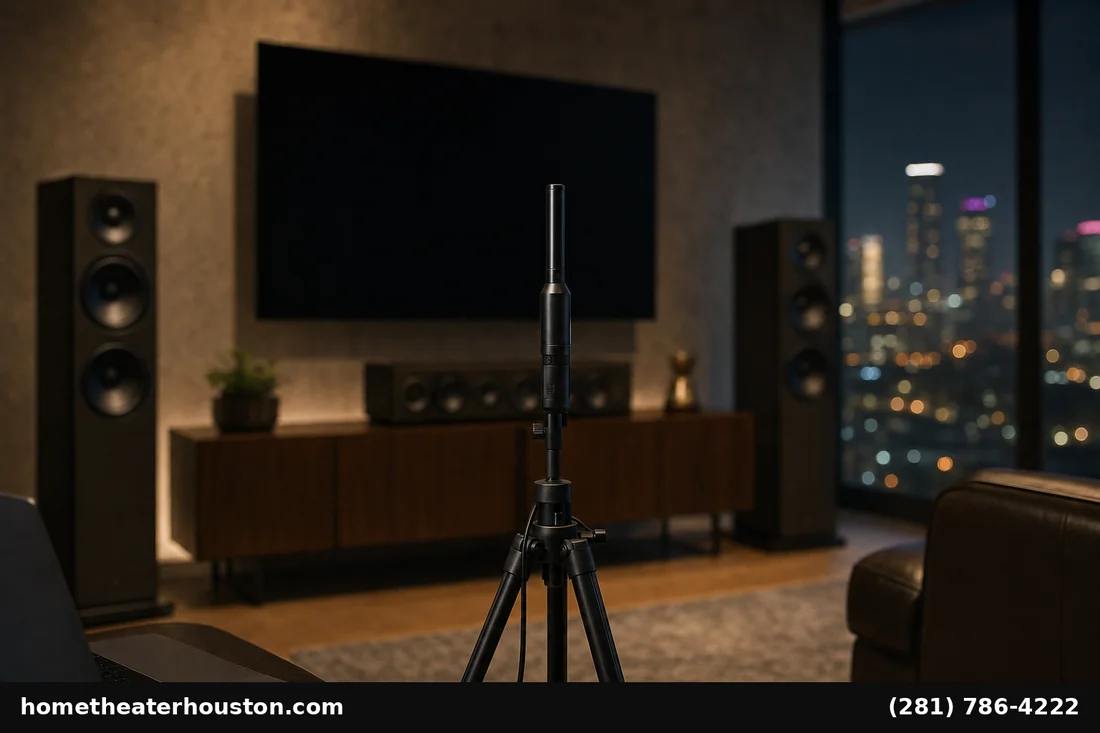
Every receiver brand handles room correction differently:
- Audyssey MultEQ XT32 (Denon, Marantz) is excellent when paired with the optional Audyssey MultEQ Editor app, which lets us cap the correction range, set custom target curves, and pull the calibrated EQ out of the high-frequency region where it tends to over-correct.
- Yamaha YPAO with R.S.C. handles reflected sound prediction well but benefits from manual angle/distance overrides after the auto pass.
- Dirac Live (premium Onkyo, Pioneer, NAD) gives the most flexible curves but needs careful target-curve work — bad Dirac is worse than no Dirac.
The single most important thing in any of these systems is microphone position. Eight measurement points around the primary seat, with the mic on a tripod at ear height, beats a hand-held mic moved between cushions every time. That’s table-stakes for our Dolby Atmos setup work too — the height channels only land correctly with a real measurement loop.
Receiver Picks We Calibrate Most in Houston
Across hundreds of HTH installs the receivers we tune most often come from three lines:
- Denon AVR-X series — strong value, MultEQ XT32 on the X3800H and up, deep DAC chain, reliable 7.2.4 Atmos rendering.
- Marantz Cinema series — same Audyssey ecosystem as Denon, warmer voicing that Galleria clients tend to prefer for music.
- Yamaha Aventage RX-A series — outstanding for music-first households who still want full Atmos support.
Choosing the right receiver is half the battle — see our guide to surround sound systems for the broader system context.
Integration With the Rest of the System
A receiver is never calibrated in isolation. Every install we touch is tied back into:
- Speakers — see our full speakers selection with models we routinely match to specific room sizes.
- Display and source devices — handled through our TV installation service when the receiver is being swapped during a wall mount or recess job.
- Full room build-out — when it’s a ground-up media room, the receiver work folds into our home theater installation service so wiring, acoustics, and calibration land at the same time.
DIY vs. Professional AV Receiver Setup and Calibration
DIY auto-EQ gets a 5.1 system maybe 60% of the way to ideal. That’s fine for casual listening. Where it falls short:
- Atmos height localization — almost never right after a single auto pass.
- HDMI handshake issues — Dolby Vision, HDR10+, eARC dropouts that the auto-EQ doesn’t even look at.
- Multi-zone routing — almost always set up incorrectly out of the box.
- Bass management — sub crossover, phase, and EQ are the highest-impact settings and the most commonly wrong.
If the receiver is a $700 Denon driving five passive speakers in a family room, DIY is fine. If it’s a $3,500 Marantz feeding a 7.2.4 Atmos build with in-ceiling speakers, professional calibration pays for itself the first time you sit down to watch.
What an HTH AV Receiver Setup and Calibration Visit Looks Like
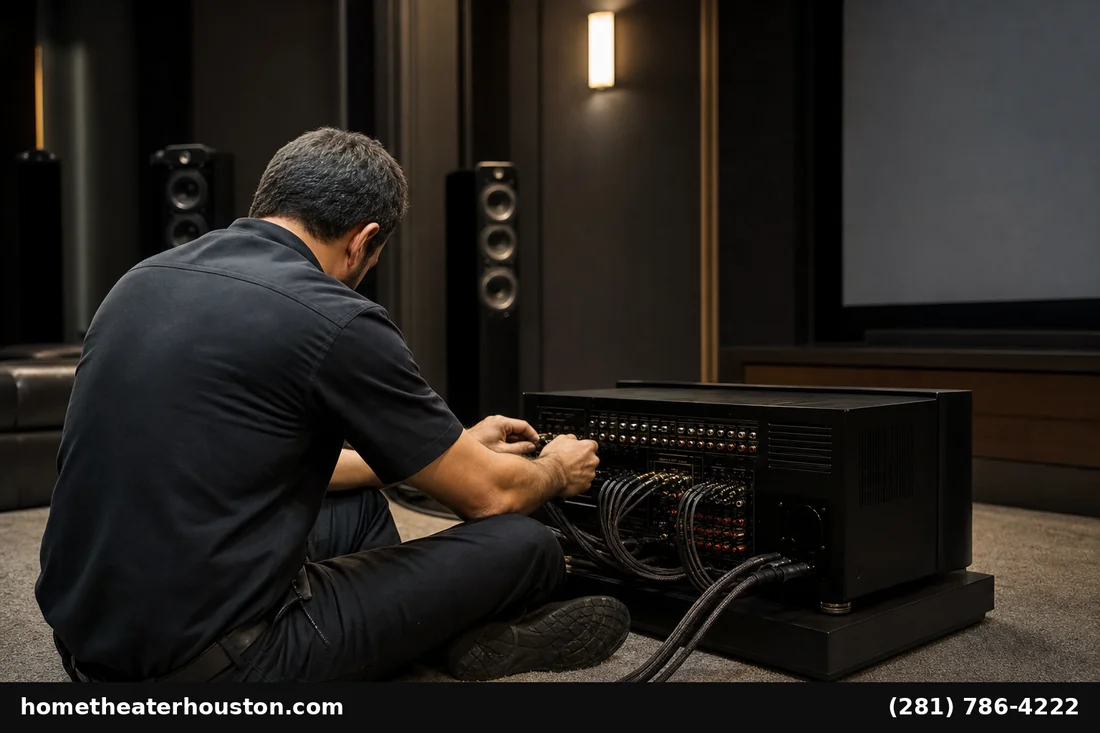
Our standard AV receiver setup and calibration Houston visit runs about 2–3 hours and includes:
- Speaker inventory and impedance verification.
- Mic-based measurement at the primary listening position (8 points minimum).
- Audyssey/YPAO/Dirac pass plus manual override.
- Crossover and subwoofer integration tuning by ear after EQ.
- HDMI input/output verification and HDR passthrough confirmation.
- eARC handshake confirmation with your TV.
- Family walkthrough — how to switch inputs, set the right surround mode, and tweak volume zones.
Pricing starts at $149 for standalone calibration on an existing system. Bundles are available when paired with a new speaker install or Atmos build.
Frequently Asked Questions
How often should an AV receiver be recalibrated?
Every 12–18 months, after any speaker change, or after a major room change (new furniture, rug, drapes). Houston’s seasonal humidity swings are minor by themselves but compound with furniture changes.
Can I run room correction myself with the included mic?
Yes, and it’s a fine starting point. The Audyssey app upgrade ($20) unlocks target curves that get you closer to a pro result. Atmos height speakers are the part most worth a pro pass.
Does professional calibration matter if I mostly stream from Netflix?
Yes. Streamed Atmos and Dolby Digital Plus benefit just as much as Blu-ray. Dialogue intelligibility especially improves measurably.
Will calibration fix a too-bright or harsh-sounding room?
Calibration helps but isn’t a substitute for room treatment. We’ll flag rooms where a rug, drapes, or absorption panel will outpace any EQ change.
What’s the difference between Audyssey MultEQ and MultEQ XT32?
XT32 has roughly 8× the filter resolution below the Schroeder frequency, which means real bass correction below 200 Hz instead of a smoothed approximation. Worth it on subwoofer-heavy builds.
Does HTH calibrate receivers we didn’t install?
Yes. Standalone setup and calibration is one of our most-requested services. Call us at (281) 786-4222 or visit our Google Business Profile to schedule.
Ready for Real Performance From Your AV Receiver?
If your system has felt “fine but not amazing” since the day it was installed, that’s almost always a calibration gap, not a hardware gap. AV receiver setup and calibration Houston service starts at $149 — call (281) 786-4222 or browse our AV receivers page if you’re considering an upgrade. We serve Houston, the Galleria, Memorial, Bellaire, and West U with same-week appointments.
